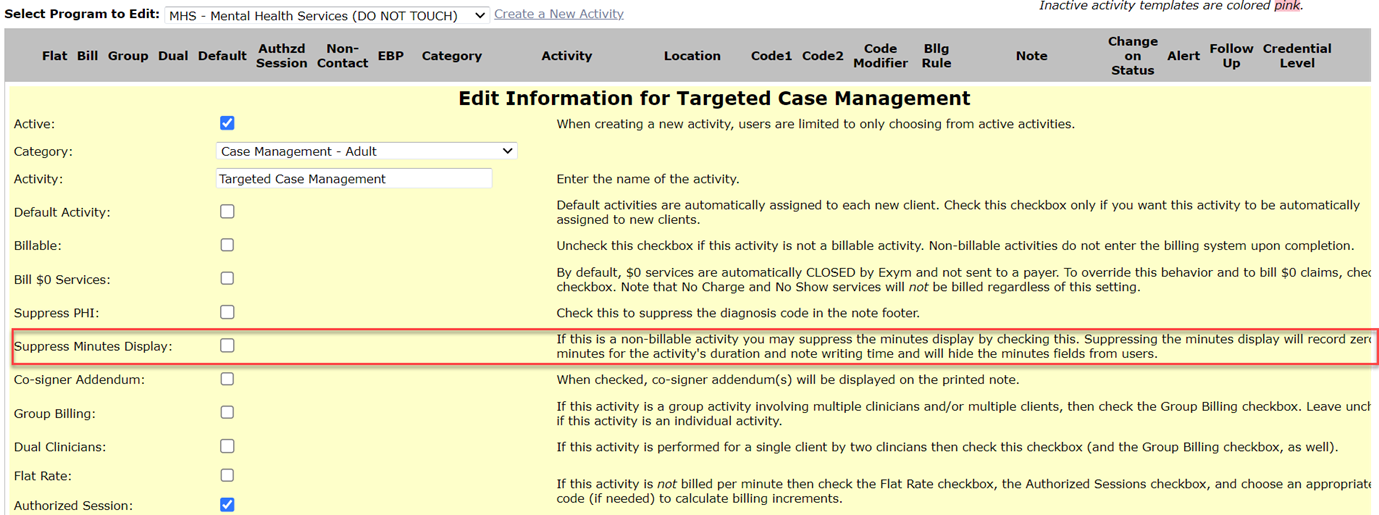
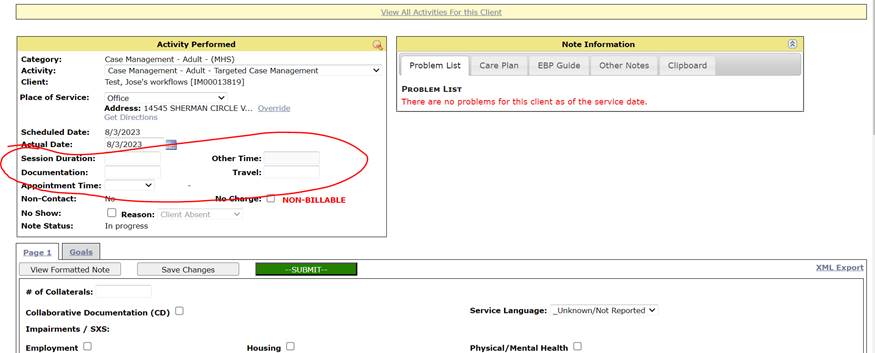
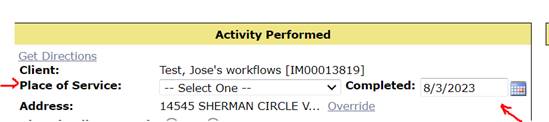
Good morning! The portion I circled below (pic 1) is actually controlled by the activity template (as opposed to the note template). The respective fields to enter time will be enabled if the activity template has “Suppress Minutes Display” unchecked. I included a picture below of that setting (pic 3). If this option is checked, the only fields that will pop up in the top left portion of the note writing module will be the place of service and date (pic 2). Please note, you cannot “suppress minutes display” if that activity is set to “billable.” Hope this answers your question!
Activity template editing is found under Admin à Programs à Activity Templates
Pic 1:
Pic 2:
Pic 3: