Activities dated more than 18 months ago are suppressed from the Activities screen. However, we do not delete or hide notes from the record in Exym. To see all notes for a client, select the client, then go to Documents -- Notes -- View Existing Notes by Client from the main menu.
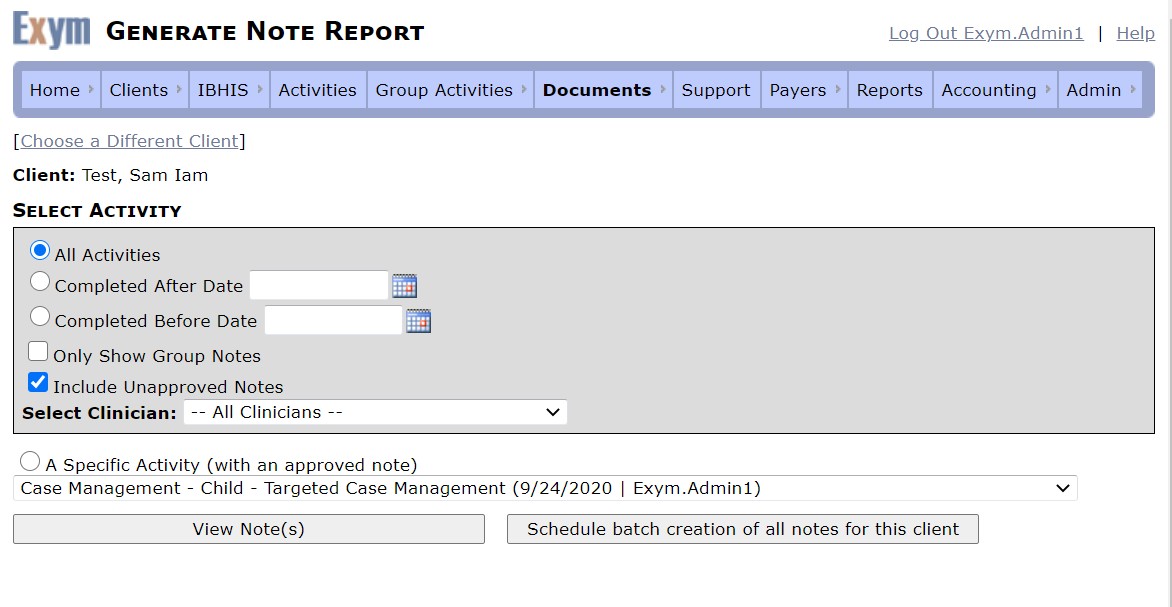
The default is to return notes for all activities with approved notes. You may filter that screen to show notes that were completed before or after a specified date, to show only notes for group activities, or to include Unapproved notes.
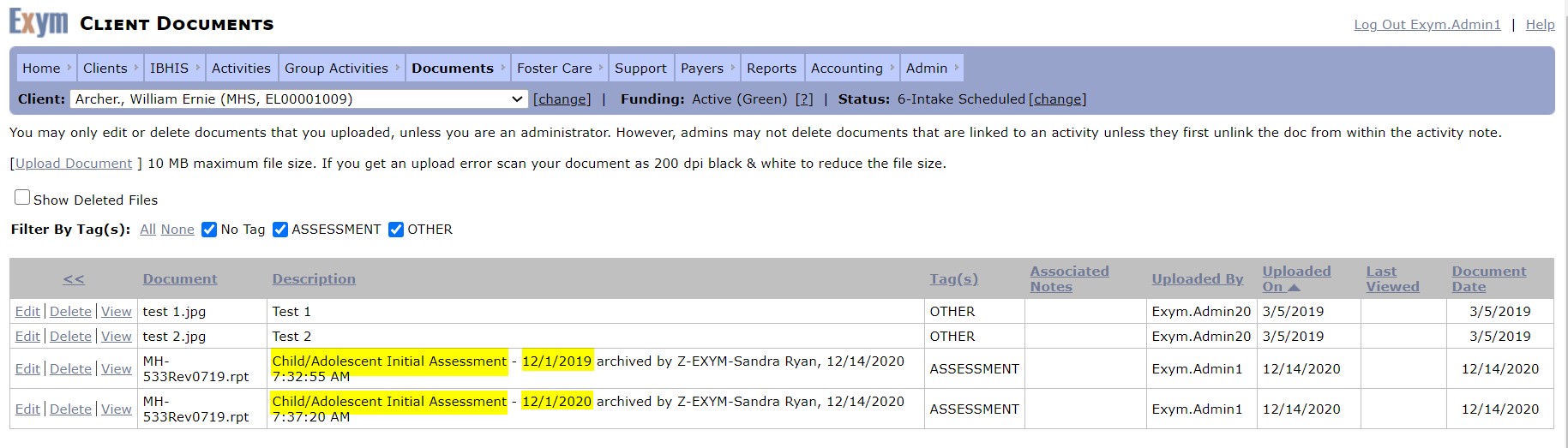
The assessments will be accessible. As each assessment is approved, it is saved as a document on Documents -- External client Documents and can be viewed from that screen.