Also see attached SFVCMHC workflow for user terminations.
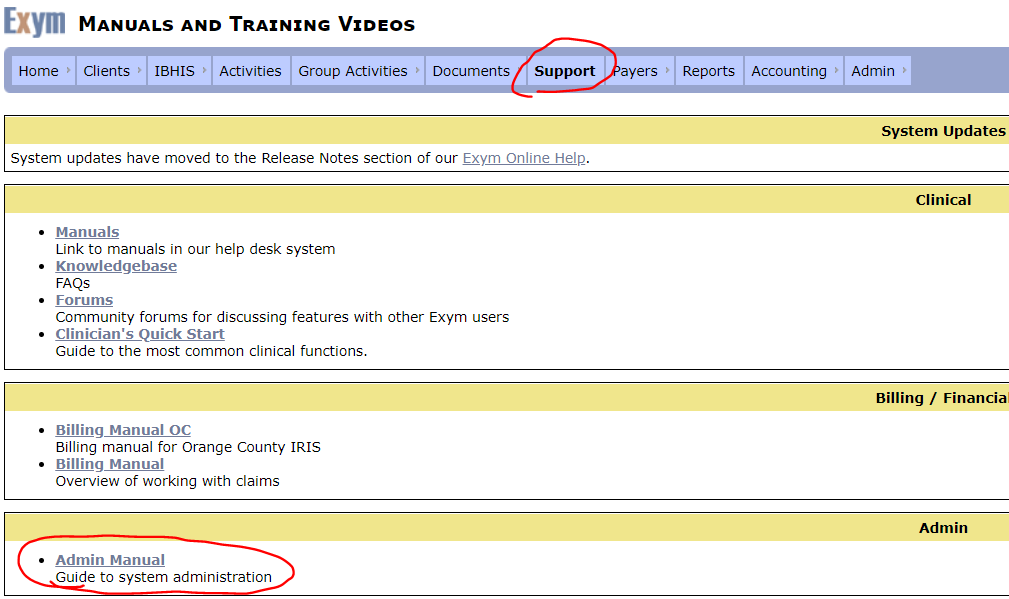
Before you can terminate a user, you'd need to reassign their caseload or any incomplete activities to another user. For the steps to do this please go to Support tab and click Admin user, the reassigning user's activities is starting on page 23. Please review and follow the instructions in there how to reassign user's activities.
Final Step: Inactivate employee.
Final Step: Inactivate employee.
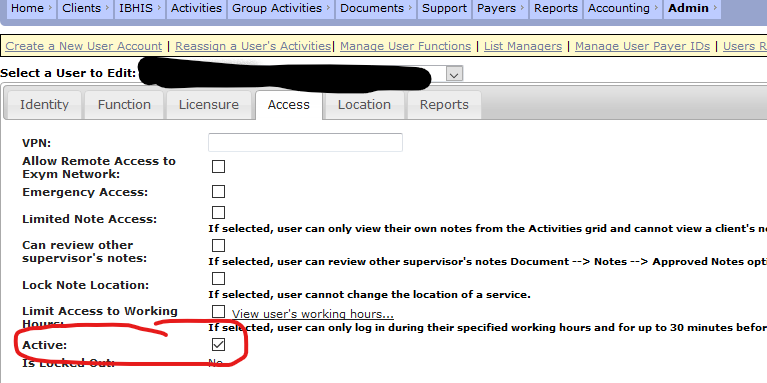
You just need to clear this checkbox on the ACCESS page.